
Privacy Tools
Our phones and computers have become extensions of our lives, storing everything from private messages and financial information to photos, health data, and location history. Yet many people underestimate how exposed this information can be. Data is constantly collected through apps, online services, and connected devices, and in some cases it can be accessed, shared, or requested by third parties, including government agencies. Without proper safeguards, your digital footprint can reveal far more about you than you realize.
That’s why cybersecurity tools are no longer optional, they’re essential. Encryption, secure messaging apps, password managers, VPNs, privacy-focused browsers, and strong device security settings all work together to limit who can see and access your personal information. Using these tools helps you take control of your data and reduce unnecessary exposure, making it much harder for outside entities to monitor or collect your private information. In today’s digital world, protecting your devices means protecting your freedom and personal autonomy.
Quick Links
- Cellphone Protection
- Cellphone/Computer Protection
- Computer
This guide provides cybersecurity tools so help ensure you are safer online. It is not an exhaustive list, and there is no one-size-fits-all solution. Your choice for cybersecurity should reflect your needs and the environment you expect to be in. Use this resource as a starting point, adapting it as necessary to help you stay protected online and keep .
*Warning – Some products may be affiliate links. This helps to grow the website and pay for expenses for upkeep
Communications
With surveillance on the rise and ICE using every tool available to them to surveil your phones, you need to ensure your communications are protected. While either at a protest, or if you happen to ever be arrested by ICE, you need to ensure that ICE will have a difficult time accessing your information.
With the previous posts being a list of things to buy, this will be an informational section on what items you should be either downloading or purchasing to keep your communications away from federal agents.
Cell Phone Protection
-
GrapheneOS
Only works with Pixal: A privacy and security focused mobile operating system built on AOSP, strengthening its already robust security model without increasing attack surface while maintaining strong usability and app compatibility. Rather than relying on branding, bundled Google services, or insecure third-party replacements, it emphasizes carefully engineered, substantive security and privacy enhancements designed to defend against real-world threats.
-
Signal
A texting, calling, and video chat platform that allows for secure end-to-end encrypted communication. Signal allows you to communicate with your friends, family, neighbors, and groups of people you have brought together to communicate securely and without any worry of your messages being intercepted. Signal’s features also include auto-deleting messages, invite only chat groups, and allows you to keep your private information private by not sharing your phone number or name with anyone who you choose to chat with
-
Bitchat
A peer to peer texting platform through your phones using a Bluetooth mesh network. This connection DOES NOT need internet connection or cell service. Users can chat on the local mesh channels or you can have private conversations with others only in your group. This is a great option for people attending a protest, going to concerts, or going to a crowded even where cell service is spotty. Just download the app and you are ready to go.
**Note: This service was created by one of the founders of Twitter, Jack Dorsey. While Dorsey has given donations to democrat candidates, Dorsey did endorse Robert F. Kennedy Jr. for the democratic party nominee in 2024. While it would be difficult for anyone to intercept these messages, we feel it is important to be transparent with information about creators of any application we recommend.
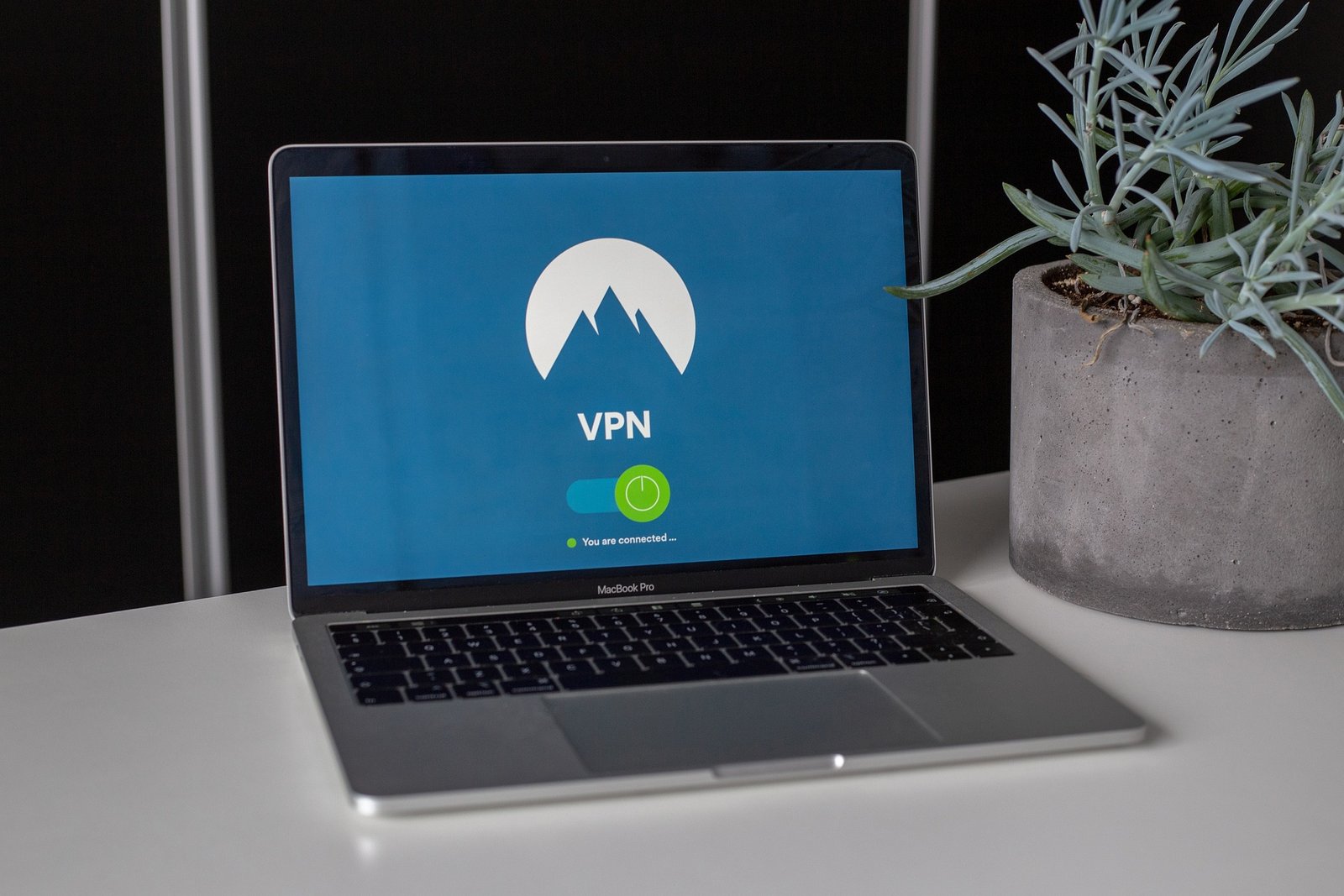
Cell Phone/Computer Protection
A privacy-focused technology company that provides encrypted digital services designed to protect users’ data from third parties, including advertisers and government surveillance. It’s suite includes Proton Mail, Proton VPN, Proton Drive, Proton Calendar, and Proton Pass, all built with end-to-end encryption and strong privacy protections.
-
-
Proton Mail
Encrypted email service that ensures only you and your intended recipient can read your messages. It uses end-to-end and zero-access encryption (meaning even Proton can’t read your emails) and includes features like anti-phishing protections, custom domains, labels/folders, filters, and aliases.
-
Proton VPN
A virtual private network that encrypts your internet connection, safeguarding your data from trackers, hackers, and ISPs. It helps protect your privacy on public Wi-Fi, bypasses geographic restrictions, and offers features like a no-logs policy, malware/ad blockers (NetShield), and advanced routing options in paid plans.
-
Proton Pass
A password manager that securely stores your logins, passwords, payment cards, and other credentials. It includes features like encrypted vaults, secure sharing, integrated two-factor authentication (2FA), and dark-web monitoring in premium plans.
-
Proton Wallet
A crypto and digital assets wallet for storing supported cryptocurrency or blockchain digital assets securely with encryption and private key control. (Included in certain Proton plans.
-
-
VPN (Virtual Private Network)
Our go to VPN is